Open the main CELUM Cloud Account login page account.celum.com in a browser.
Enter your work e-mail and click "Continue".
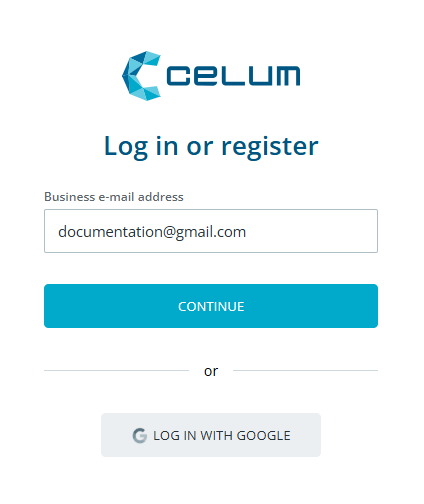
Enter your password and click "Log in".
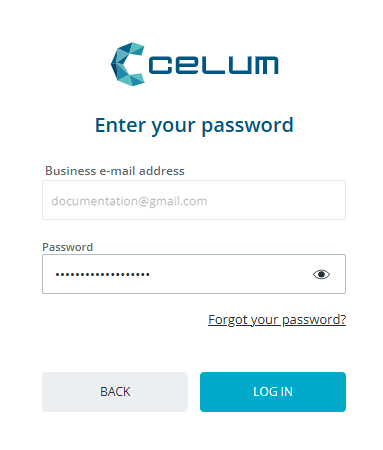
You are logged in with your user to CELUM Cloud Account.
Make login and registration screens recognisably yours with the branded login feature.
Choose how you want to log in and follow the instructions for your preferred
method:
Standard login.
Log in with your e-mail and password. If your organisation has Single Sign-On (SSO) enabled, login will have fewer
steps.
SSO is only available if this option is enabled for your organisation and for new users only, i.e. the ones without a user account.
Open the main CELUM Cloud Account login page account.celum.com in a browser.
Enter your work e-mail and click "Continue".
Enter your password and click "Log in".
You are logged in with your user to CELUM Cloud Account.
Open the main CELUM Cloud Account login page account.celum.com in a browser.
Enter your work e-mail and click "Continue".
You are logged in with your user to CELUM Cloud Account.
Extra steps may be needed
Some extra steps may be required to log in, depending on the customisation of the login flow for your company.
Open the main CELUM Cloud Account login page account.celum.com in a browser.
Click "Log in with Google".
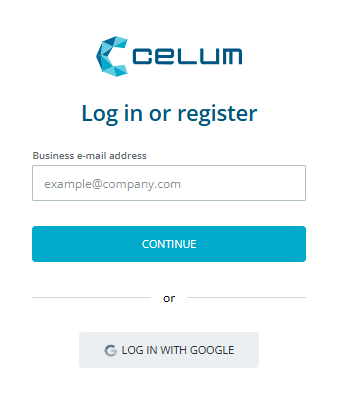
You are logged in to your user account.
Extra steps may be needed
If you are not logged into Google, you will be redirected to the Google login page where you need to enter your login credentials.
Forgot your password?
See Change your password for instructions to reset it.