On the "Home" page, click "Create organisation".
This option will be visible only if you are not currently an organisation
owner.

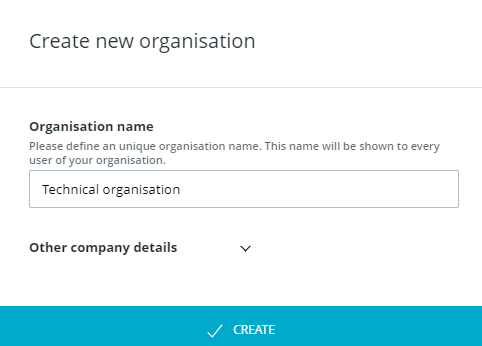
Fill in the necessary information and click "Create".
Your organisation is now created and you are its organisation owner. With your new organisation, you will automatically have free access to CELUM Work. The details of the plan will depend on our current offering. Additionally, you can request a different CELUM Work plan and buy other subscriptions.