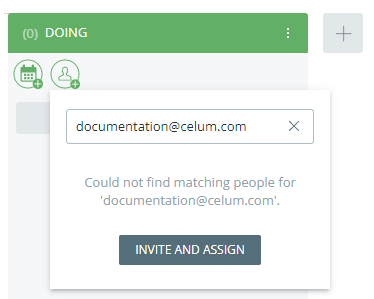
As a manager, you can easily invite people to join your Workroom. Depending on your needs, you can first assemble your team in the Workroom wizard or on the People page. Alternatively, you can invite people while assigning tasks or giving them ownership of a task list.
See Learn about user types and group types, Manually change a member's user type, and Permission system (user types and roles) for more information on user types and roles.
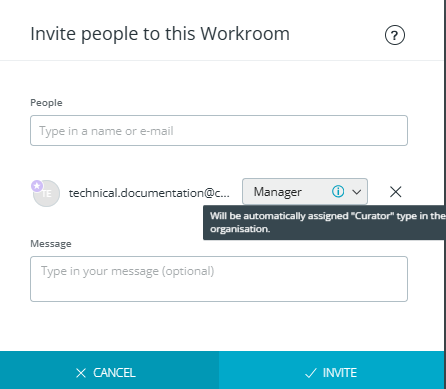
When you change or set a person's role in a Workroom, their user type may be updated to the minimum required user type automatically so they have the access they need. If this is the case, a tooltip will inform you of the user type change in the "Update role" or "Invite people" dialog next to the role.
In the table below, you can see the minimum required user type for each Workroom role:
Workroom role |
Min. required user type |
| Manager (only possible to assign to approved members) | Curator |
| Contributor | Participant |
| Visitor | Participant |
 Invite people
to a WorkroomInvite people
and assignRemove people
from a WorkroomLeave a Workroom
Invite people
to a WorkroomInvite people
and assignRemove people
from a WorkroomLeave a Workroom

 button.
 action
in the action area or magic menu.
action
in the action area or magic menu.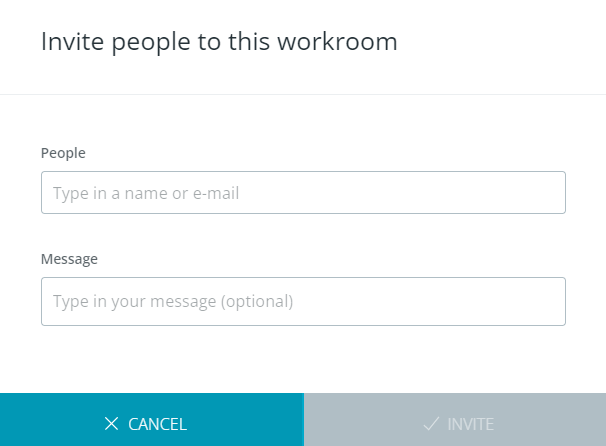
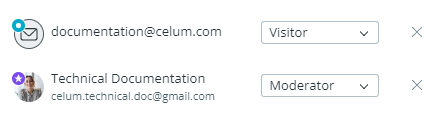
 :
: